
KSC1 Hardware
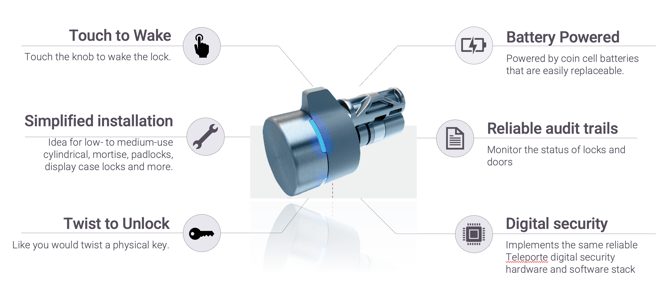
Installation Guide
Follow this guide to learn more about how to install the KSC1.
How to open a KSC1 lock
Video guide
Step-By-Step
First, make sure that you have successfully logged into the Teleporte Mobile application. You should also have a valid key before you follow the following steps::
- Touch the knob to awaken the core.
- The core LED will turn ON when it wakes up
- RED LED indicates that the core is in deactivated status, so it cannot unlock the access point
- GREEN LED indicates that the core is in activated status, so it can unlock the access point by turning it
- BLUE LED indicates that the core is currently connected to a mobile device via Bluetooth
- Select the lock from the mobile application once it has been detected. You can also scan the corresponding lock QR codes if that is the preferred method.
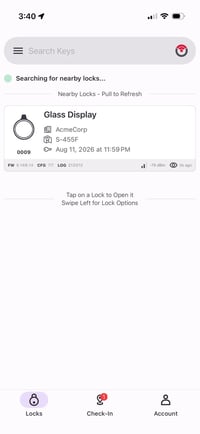
- Choose the option to ACTIVATE.
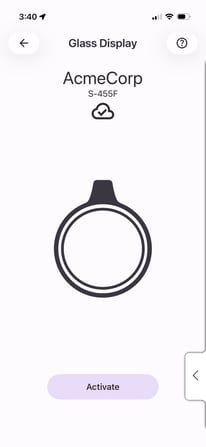
- The core will turn GREEN, signalling that your access has been granted.
- Turn the knob just like a key to open/close the door.
Follow this guide to learn more about how to use the Teleporte Mobile Application to open locks.
Troubleshooting
Find the troubleshooting page here.